Personalised in 2 minutes
Your AI coach, tuned to you from set one.
Tell us where you train, your goal, and a few preferences. Your AI coach immediately starts generating workouts tuned to you — not a stock template. No equipment list to fill in.
- Tell us where you train — your home gym, bodyweight only, on the road, or a gym.
- Pick your goal — build muscle, build strength, lose fat, endurance, or general fitness.
- Note any injuries or dietary preferences the coach should respect.
- Skip any step and finish later — your progress saves automatically.
Want to look around first? Try the app without an account — your setup converts to a saved profile when you're ready.
- STEP 01
Where you train
Home gym · Gym · Bodyweight only · Travel — pick a gym and we ask what kind
- STEP 02
Goal
Build muscle · Build strength · Lose fat · Endurance · General fitness
- STEP 03
Experience
Beginner · Intermediate · Advanced
- STEP 04
Injuries
Knees, lower back, shoulders — the coach will work around it
- STEP 05
Diet & macros
Optional — informs nutrition tracking if you enable it later
- FINISH
Your first workout, ready
A personalised recap card on the Dashboard with a one-tap workout generator.
What's Inside 5.5
Apple TV is just the start.
Real-time TV mirroring is the headline. Underneath, MaximumFit pairs AI coaching, smart program building, and AI nutrition tracking into one app — built for serious lifters who train at home.
Velocity Based Training
ProBar speed tells you what a rep counter cannot: whether today is a day to push or to back off. Bring in your data from your velocity device with a file or just a few screenshots, and MaximumFit matches it to your workouts, tracks your estimated max for each lift, and shows how your bar speed trends at a given load.
- Import from a file or a few screenshots
- Matched to your logged workouts automatically
- Estimated max for every lift you track
- Velocity charted alongside Top Set and Estimated 1RM
- Flags anything worth a second look before it saves
- Pick exactly which lifts you track
AI Coaching
Your AI coach analyzes every workout and delivers post-session feedback — including a Push, Maintain, or Deload readiness assessment. It remembers your training history and recalibrates your program as you progress.
- Post-workout readiness assessment (Push / Maintain / Deload)
- Smart program recalibration with weight & rep adjustments
- Workout history memory — advice gets smarter over time
- Chat anytime — your coach plans around where you train
Apple TV App
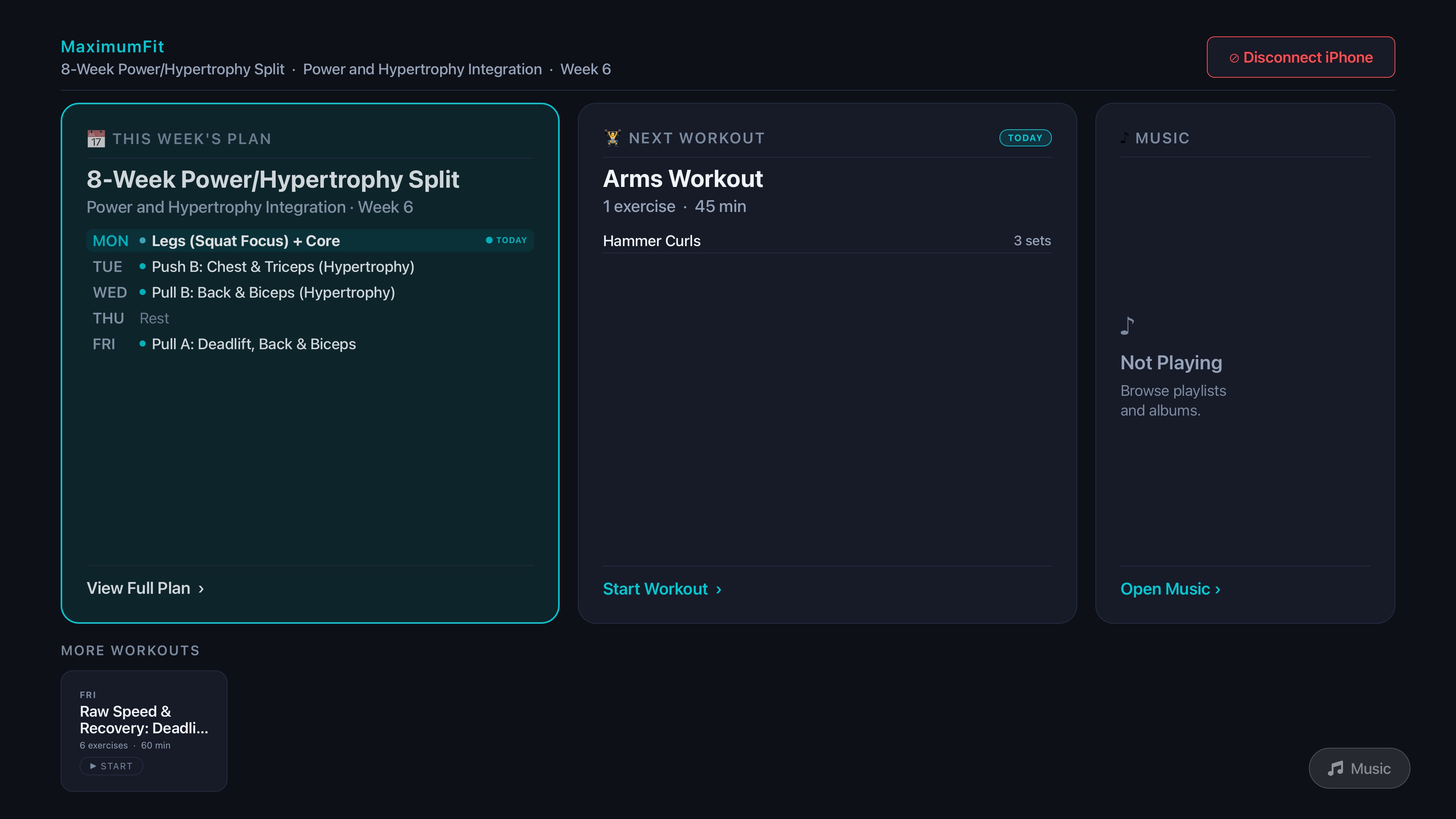
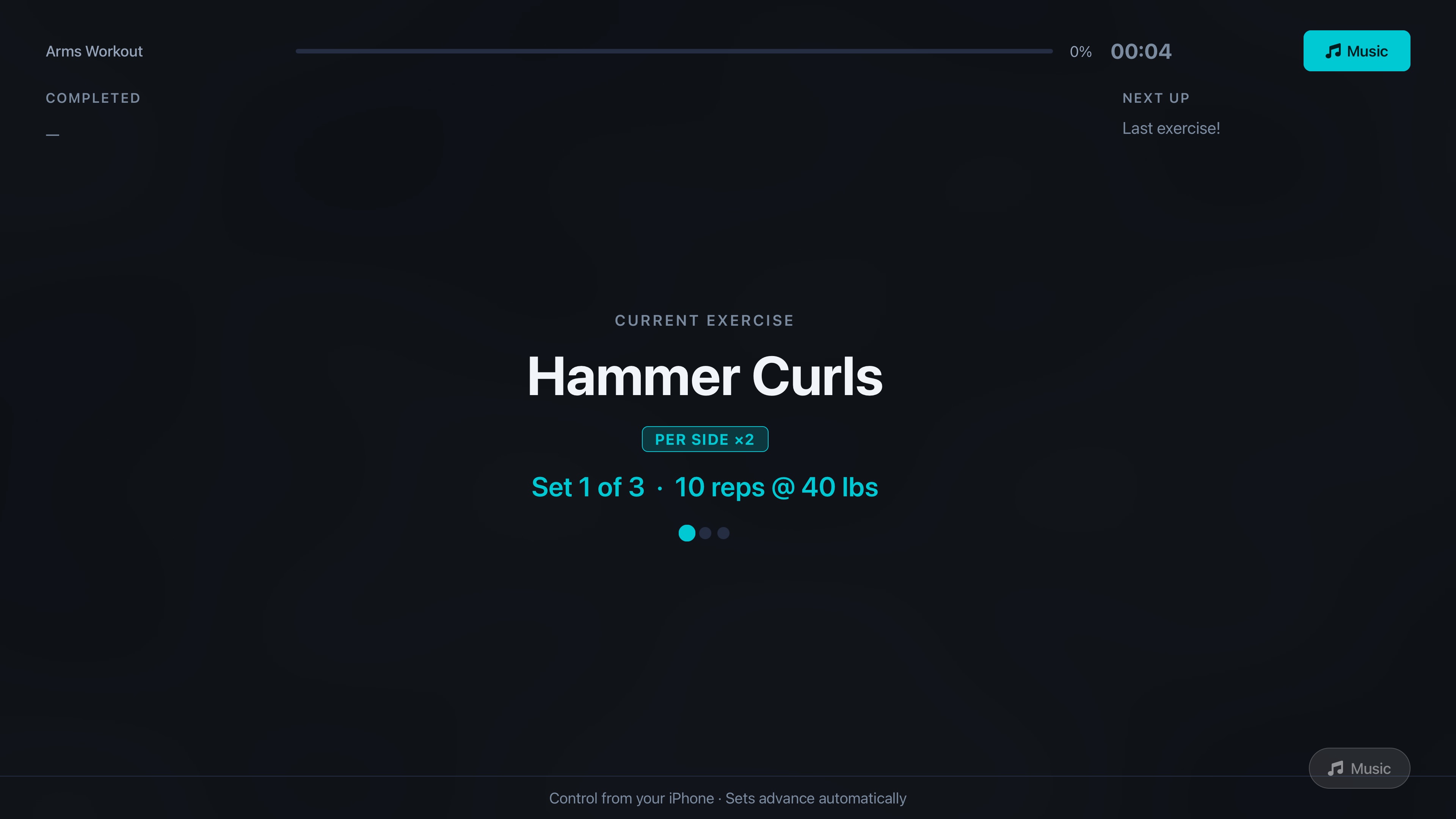
Bring your workouts to the big screen. The native Apple TV app mirrors your active workout in real time — sets, reps, rest timers, and next-up previews — so you never need to glance at your phone mid-set.
- Full-screen active workout, synced live from iPhone
- Next Up exercise, reps and the plates to load
- Countdown or progress-ring rest timer
- Perfect for home gym & garage gym setups
Planned Workout Building
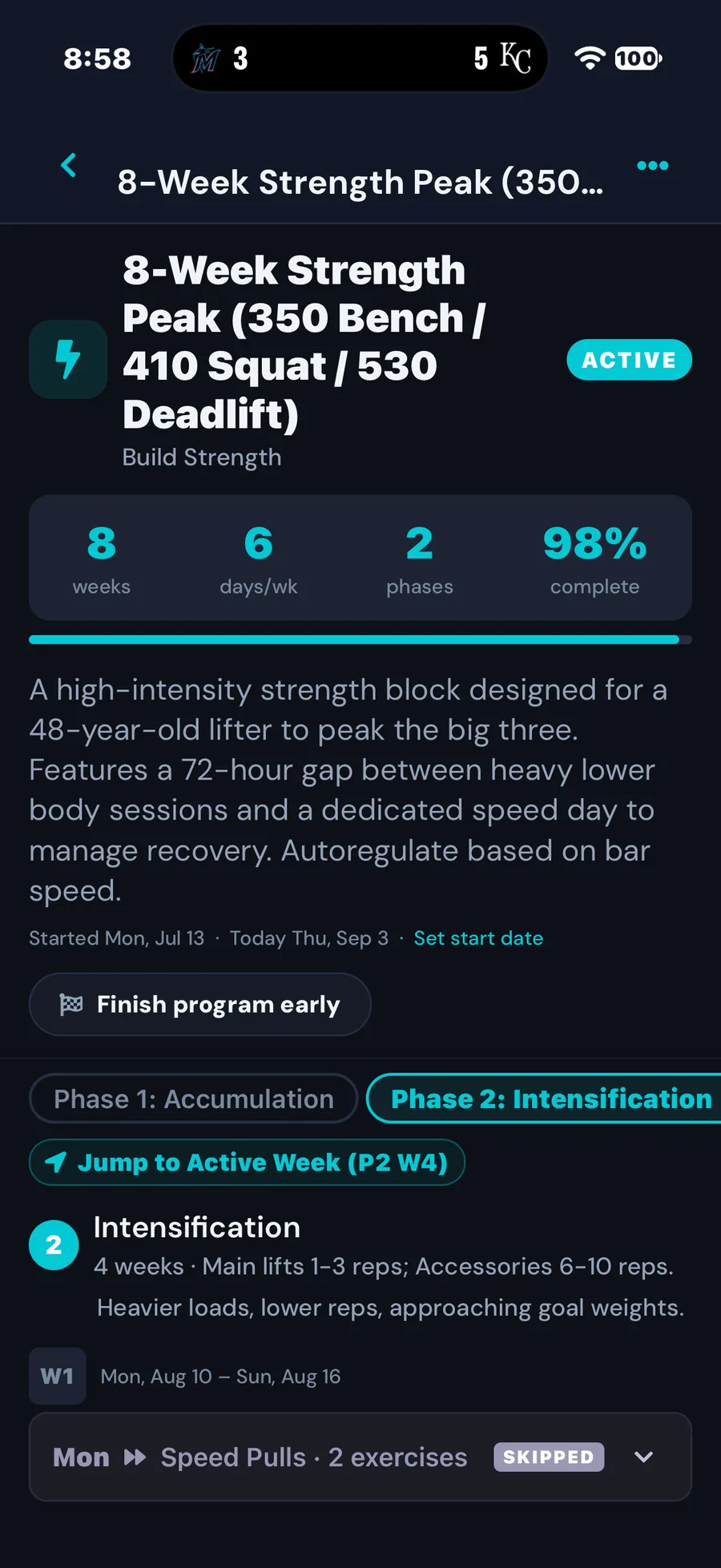
Build multi-week training programs with the AI Program Builder, import any existing plan in seconds, and schedule it to your calendar. Skip or reschedule days on the fly, and add exercises mid-session without losing your place.
- AI Program Builder — generate personalized multi-week plans
- Import any program from text or JSON instantly
- Skip & reschedule program days with a tap
- Add exercises mid-workout without disrupting your session
AI Nutrition Tracker
Log meals in seconds — snap a photo or describe what you ate and the AI handles the rest. Track macros, calories, and daily goals with Apple Health sync and Home Screen widgets for quick glances throughout the day.
- AI food recognition from photos or text description
- Automatic macro & calorie calculation
- Daily goals with real-time progress tracking
- Home & Lock Screen widgets + Apple Health sync
Know What to Load
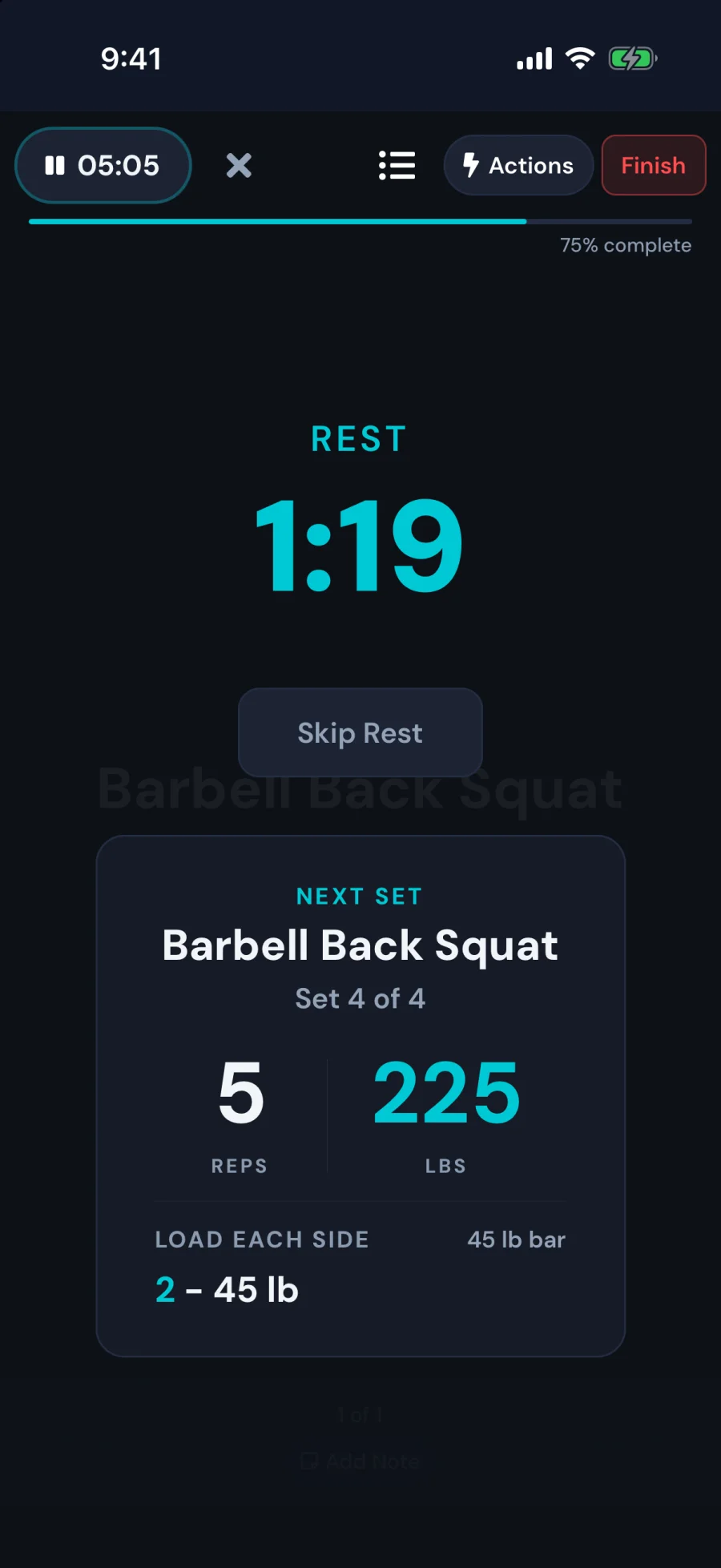
Between sets, see exactly what's next: the exercise, the reps, the weight, and the plates to put on the bar. Set your plates once and MaximumFit does the math, on your iPhone and on the TV across the room.
- Next exercise, reps and weight at a glance
- Plates to load for every barbell set — 55s included
- Countdown or progress-ring rest timer
- Two-column rest screen on iPad
Your Lifts, Your Way
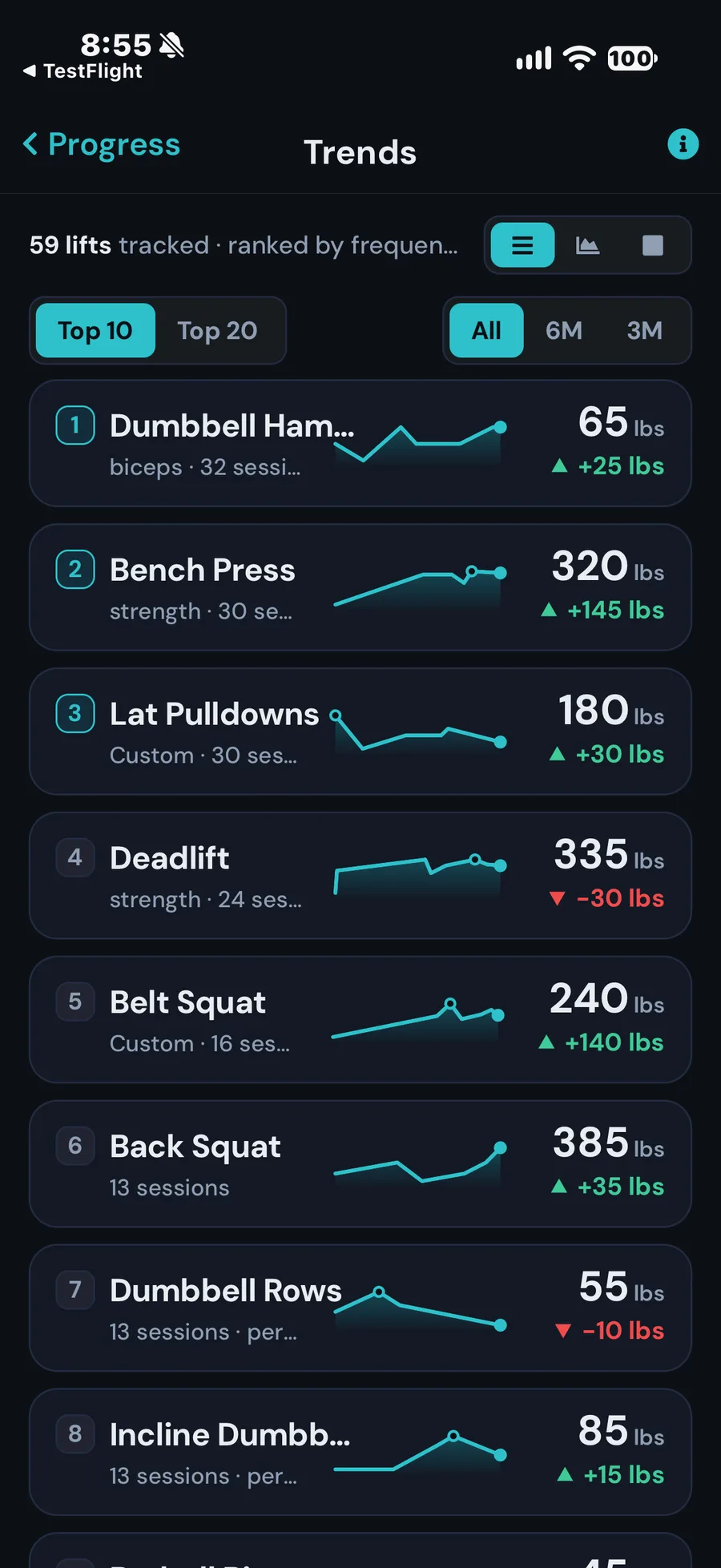
Keep variations like deficit deadlifts or paused squats as their own lift, or group names that mean the same thing. Your trends, records and coach all follow your choices.
- Variations stay separate lifts
- Group names that mean the same lift
- Trends and records follow your choices
- Audit Lifts shows why each name is grouped
Workout Tracking
Sets, reps, weight & PRs
Exercise Library
100+ exercises with custom builder
Progress Analytics
Charts, trends & milestones
Multi-Platform
iPhone, iPad, Android, Apple TV, Fire TV & widgets
Train at a gym, too?
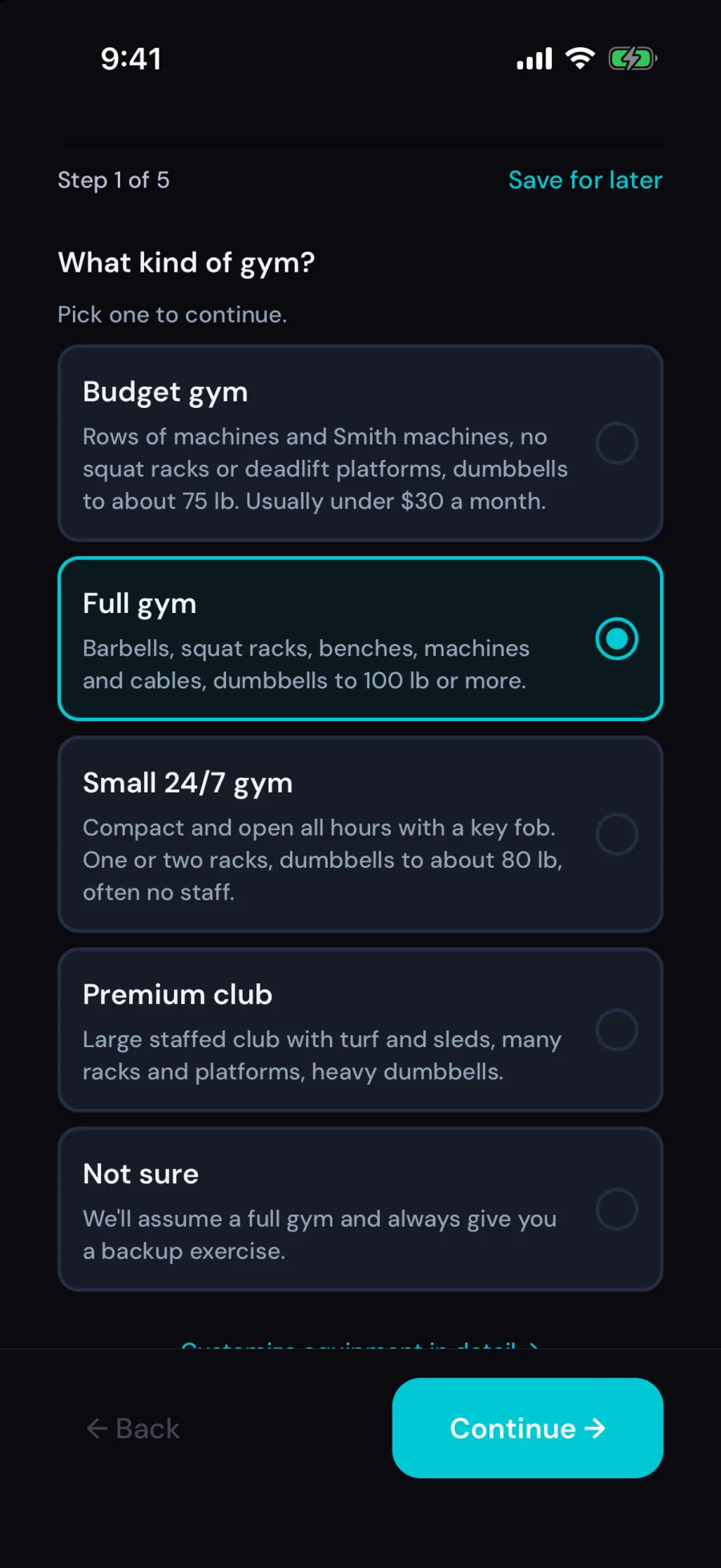
MaximumFit is built for home gyms, and it works at your gym as well. Tell us what kind of gym you use and your coach plans around the equipment that's actually there. No equipment list to fill in, and if a machine is taken you get a backup exercise right next to it.
Budget gym
Machines and Smith machines, no squat racks
Full gym
Barbells, racks, machines and cables
Small 24/7 gym
Compact, open all hours, a rack or two
Premium club
Turf, sleds, racks and heavy dumbbells
vs the competition
How MaximumFit compares
Most lifting apps stop at your phone screen. MaximumFit is the only one built for the TV in your home gym — and the only one with AI coaching across workouts and nutrition.
| Feature | MaximumFit | Strong | Hevy | Fitbod |
|---|---|---|---|---|
| Native Apple TV app | Yes | No | No | No |
| iPhone + iPad support | Yes | Yes | Yes | Yes |
| AI chat coach | Yes | No | No | No |
| AI program builder | Yes | No | No | Partial |
| AI nutrition (photo log) | Yes | No | No | No |
| Body composition tracking | Yes | No | No | No |
| Apple Health sync | Yes | Yes | Yes | Yes |
| Home & Lock Screen widgets | Yes | Yes | — | — |
Comparison reflects publicly available information as of May 2026. Competitor features change; verify on each app's App Store page. Trademarks belong to their respective owners.
Screenshots
See MaximumFit 5.5 in action
Shot on iPhone 17 Pro. Built for athletes — available in Athletic Dark and Athletic Light.
iPhone
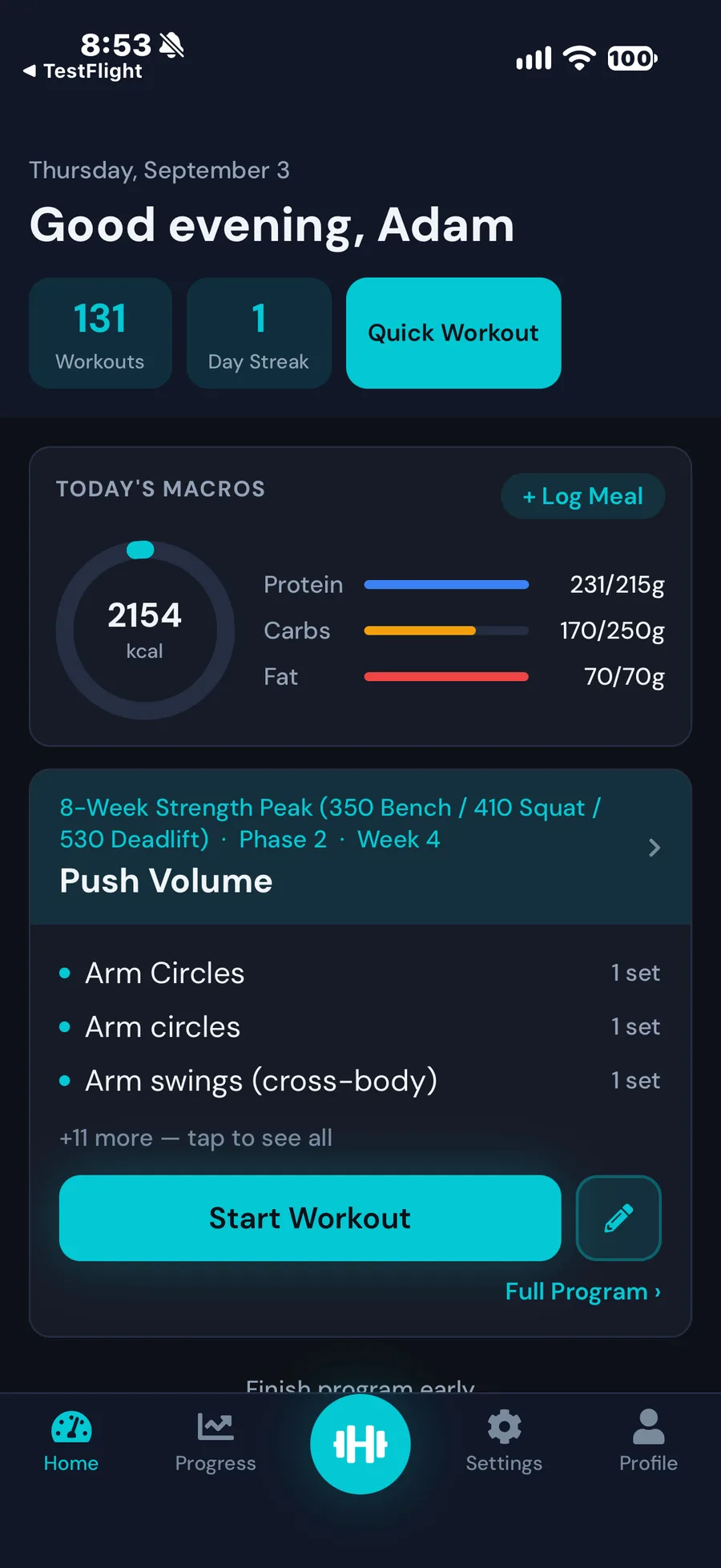
Home Dashboard
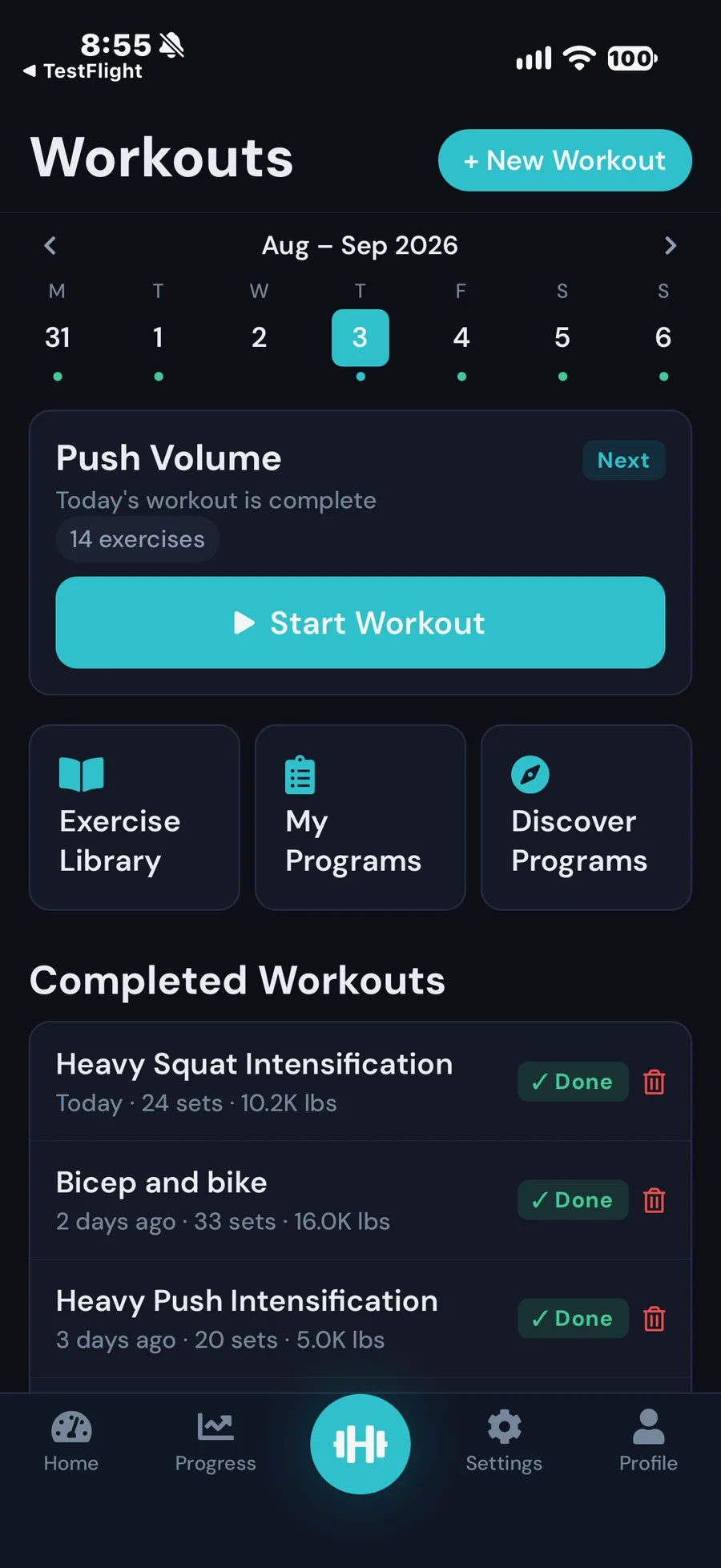
Workouts
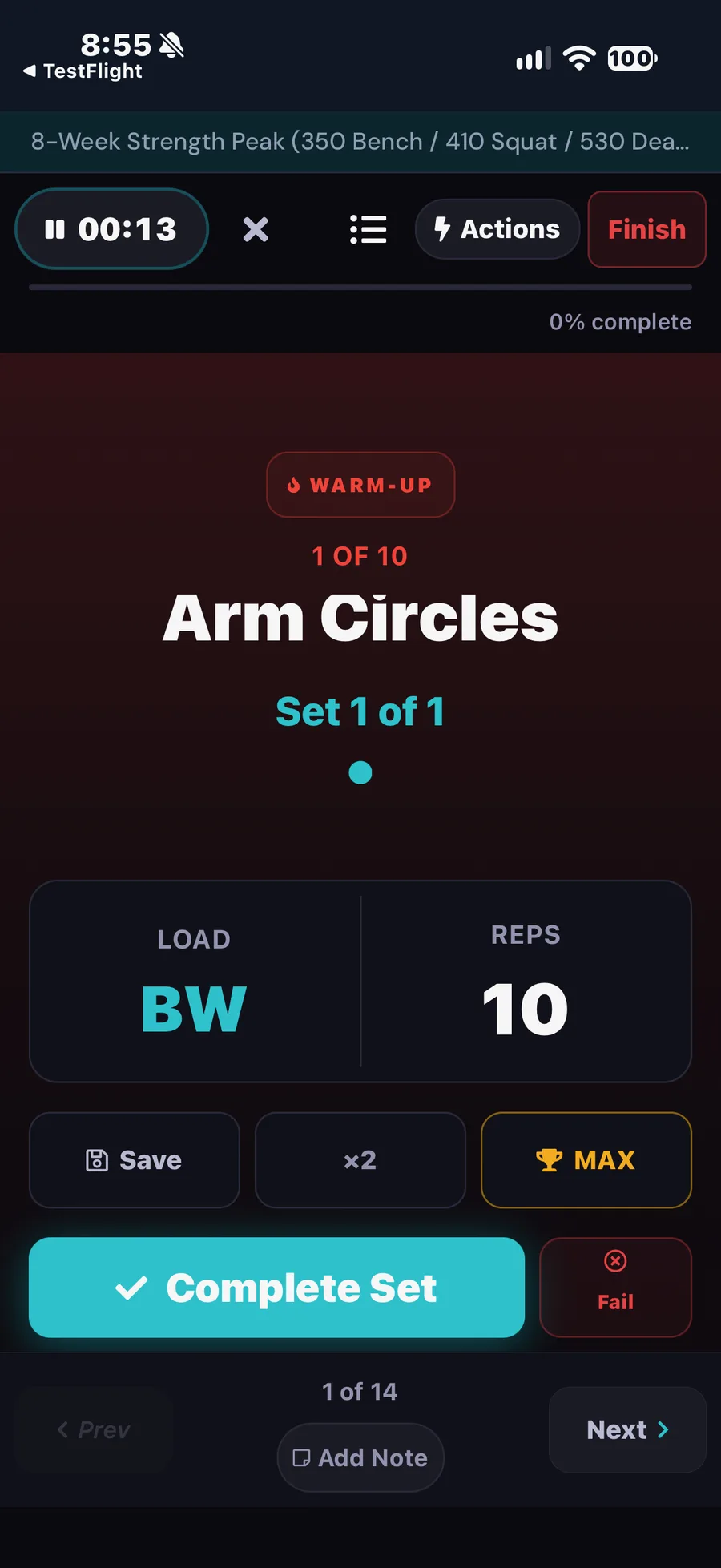
Active Workout
Rest Screen — Plates to Load
Training Program
Where You Train
Lift Trends
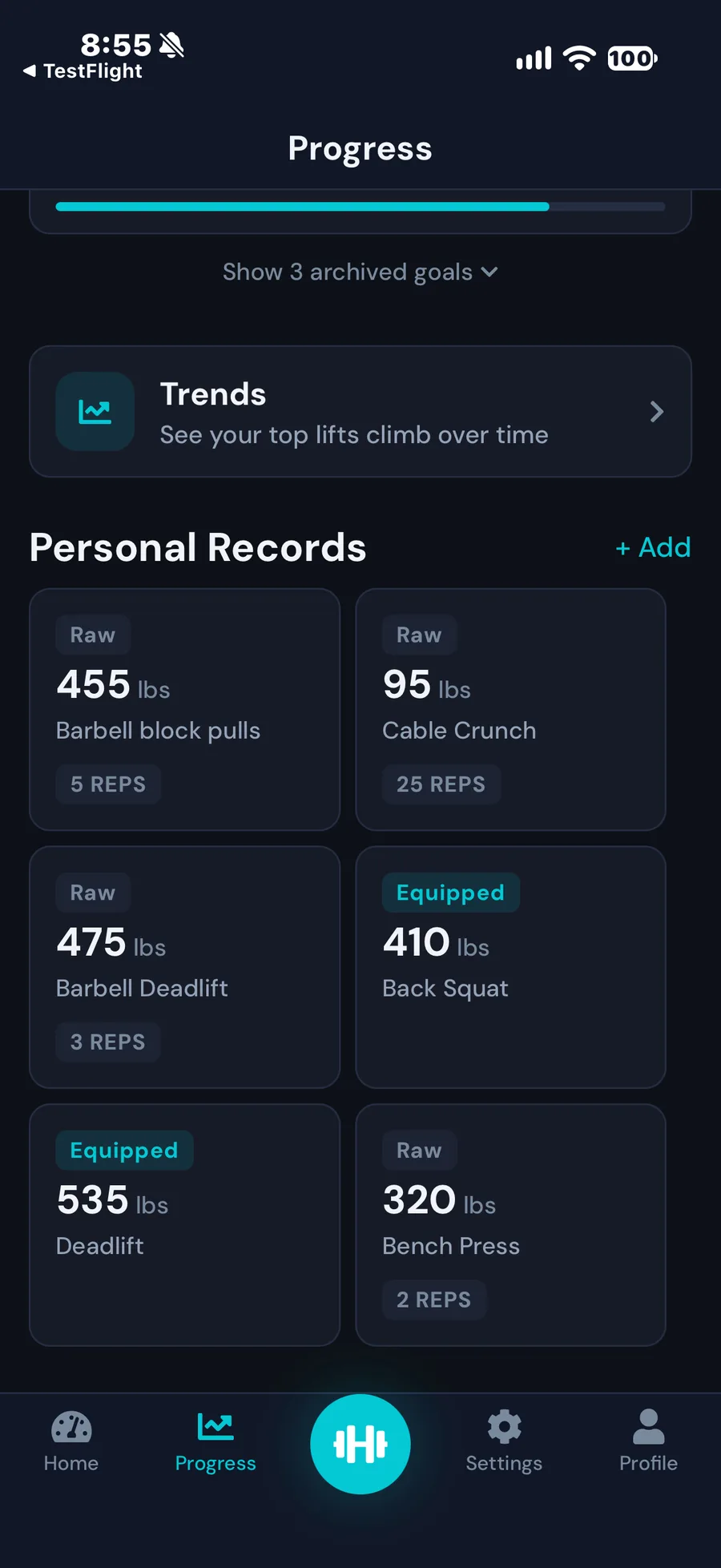
Personal Records
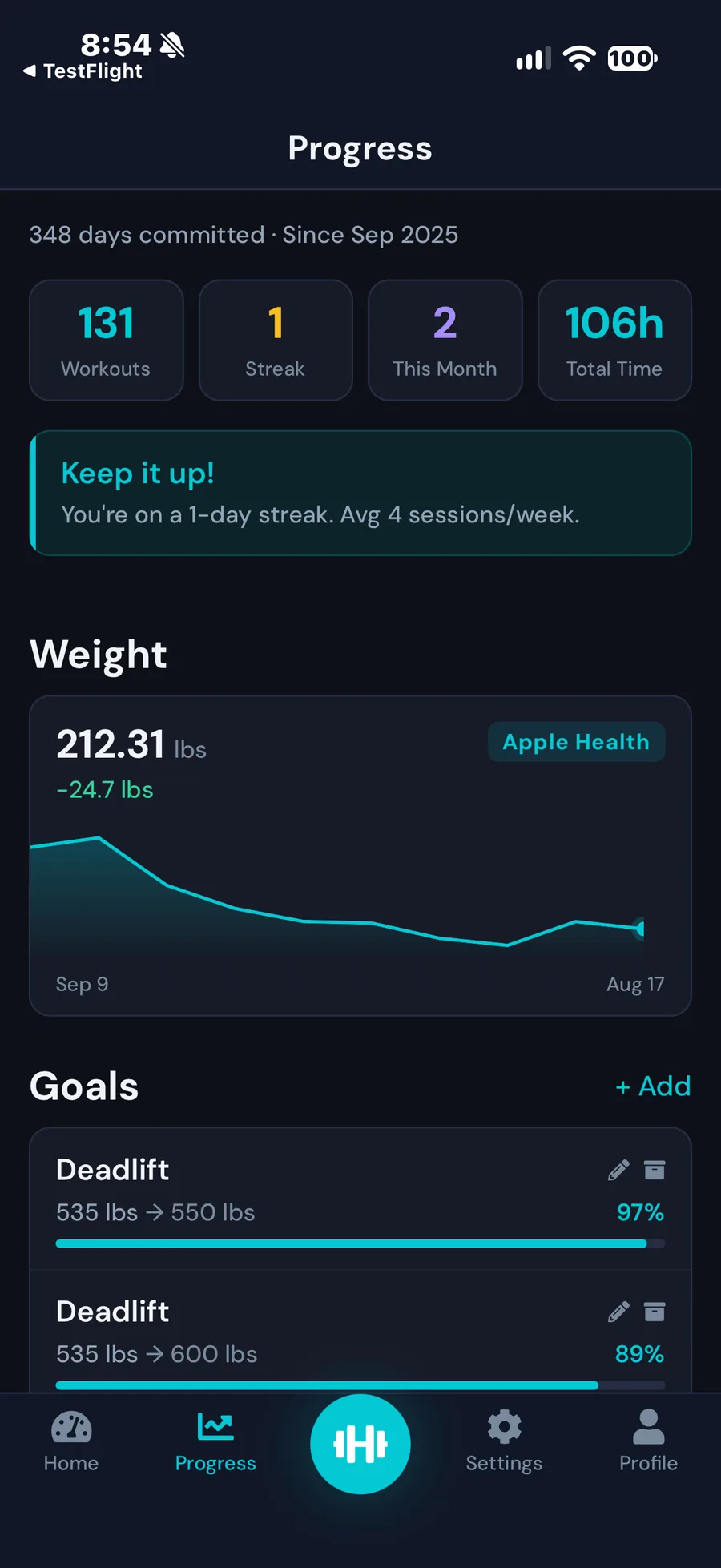
Progress & Goals
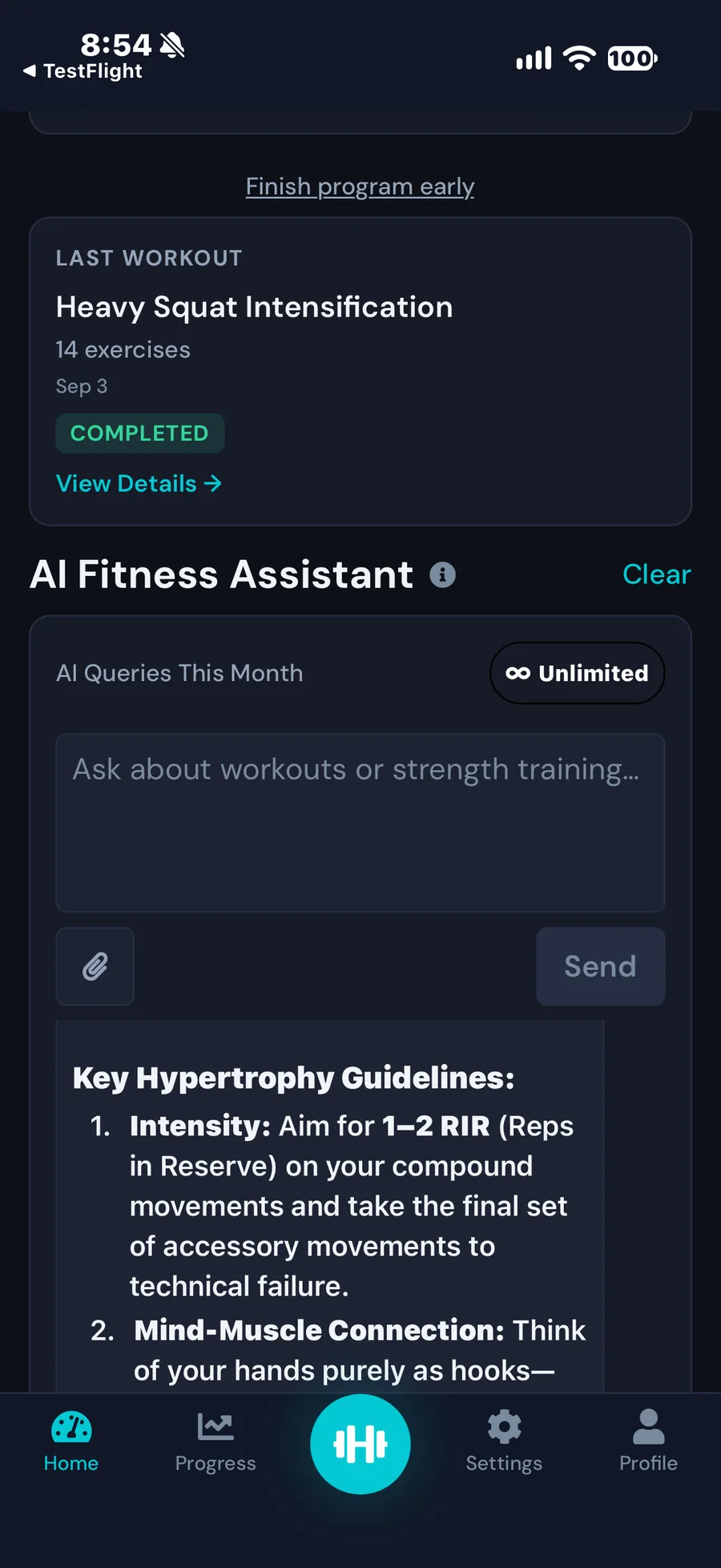
AI Fitness Assistant
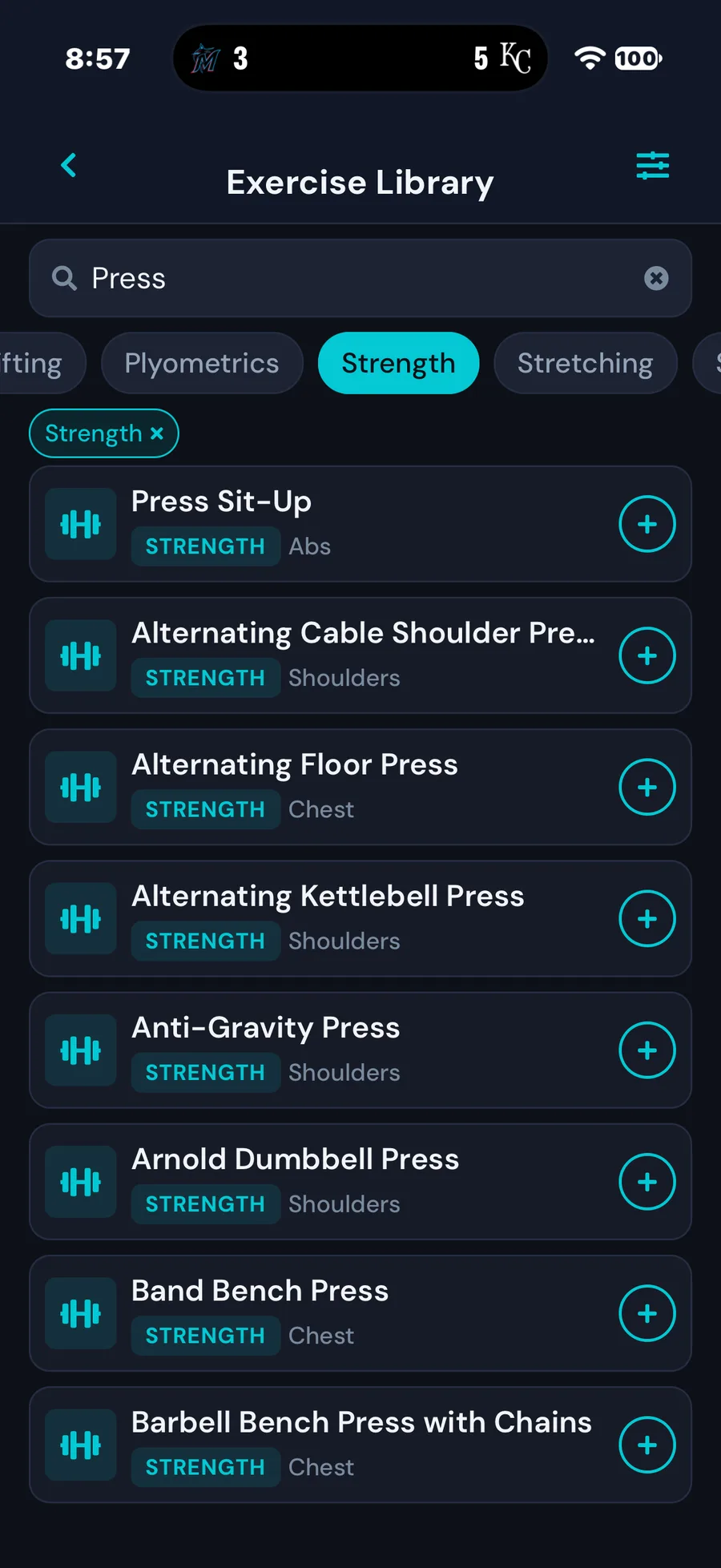
Exercise Library
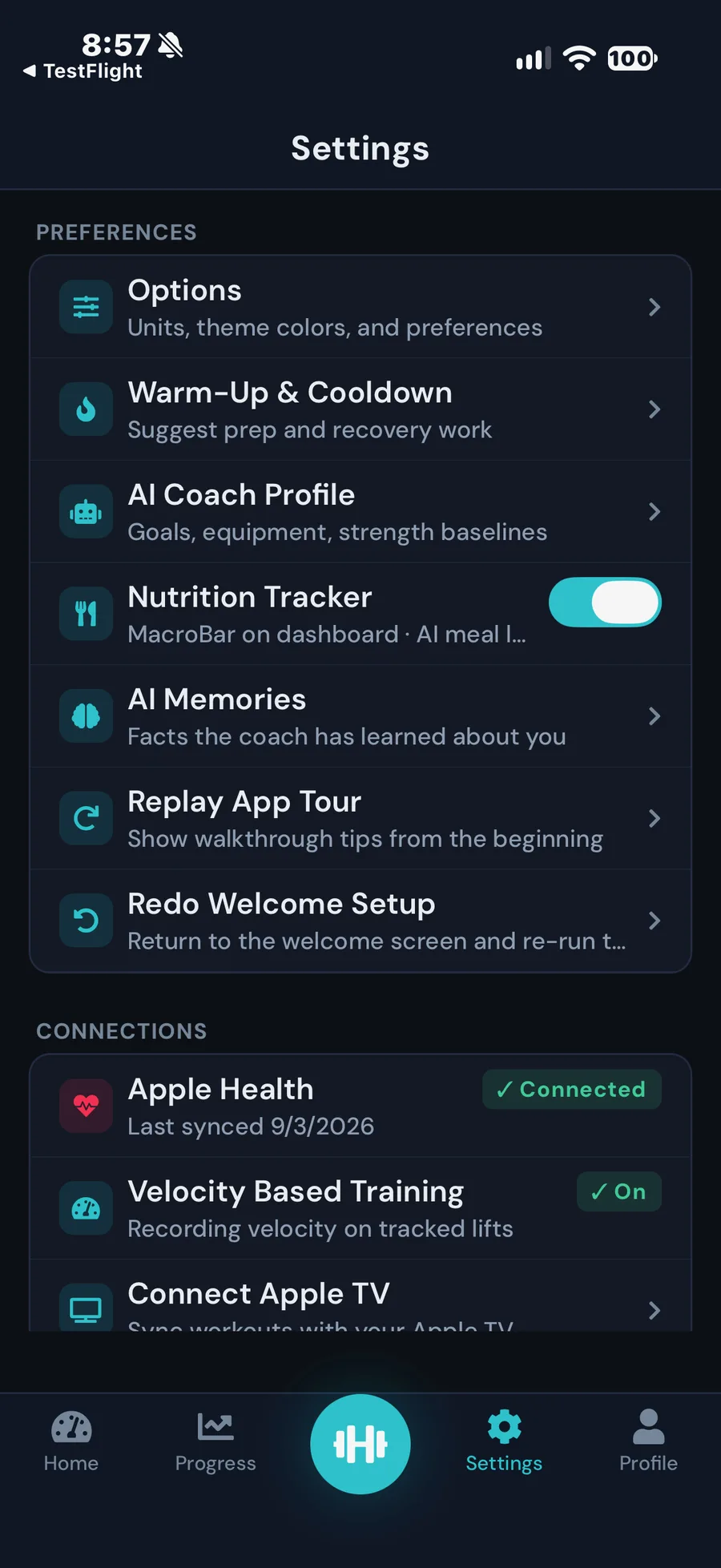
Settings
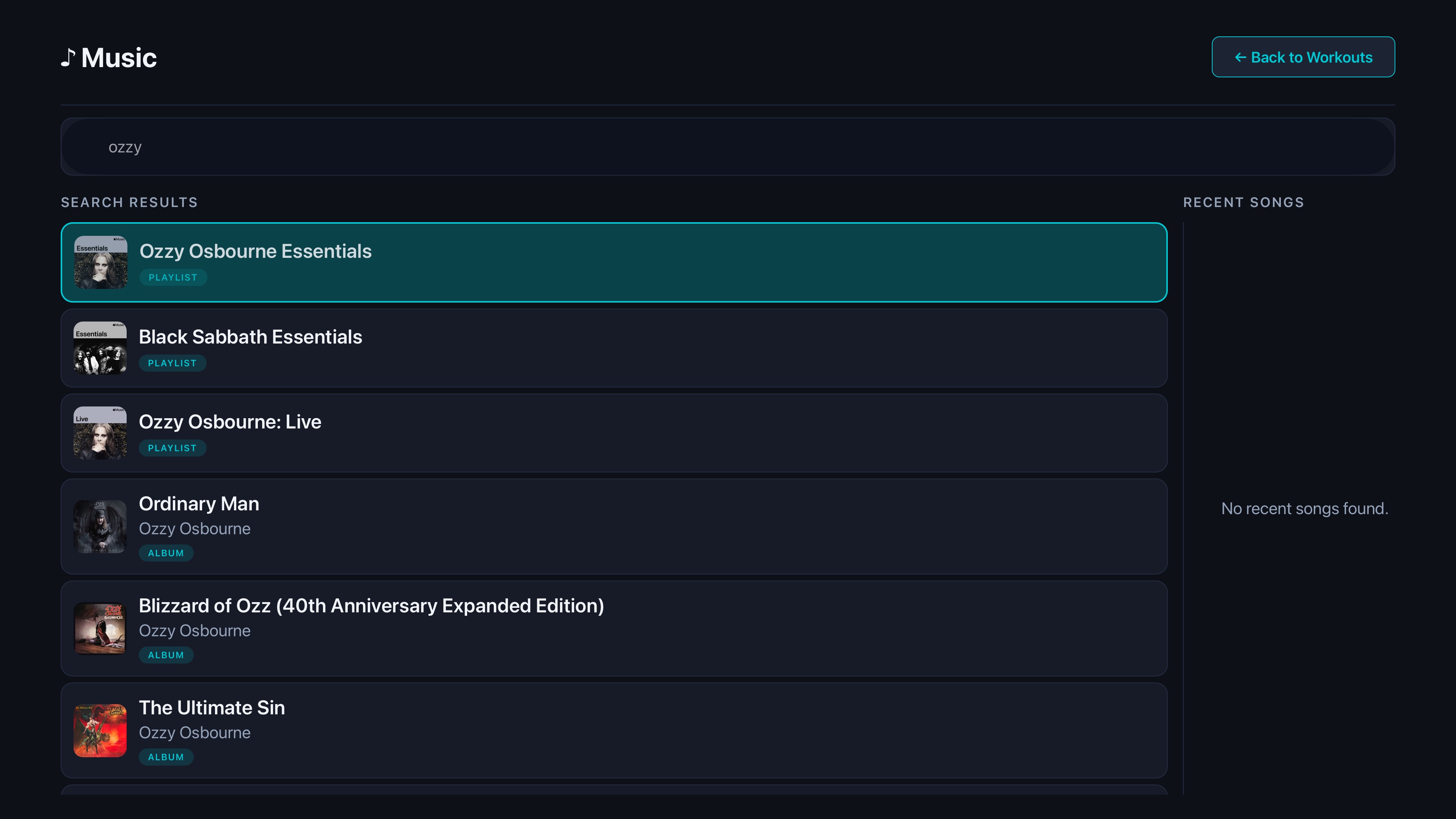
On Your Apple TV
Available now on the App Store and Google Play

AI & Coaching
A smarter way to train — inside and out
MaximumFit brings velocity based training, powerful AI coaching, smart nutrition tracking, body composition insights, a Coach mode, and native Apple TV and Fire TV apps.
AI Coach & Program Builder
Your personal AI coach — chat anytime, generate full multi-week programs, or import any program from text or JSON in seconds.
Unlimited AI chat with your personal fitness coach
AI Program Builder — generate personalized multi-week programs
AI Program Importer — paste any program from text or JSON
Personalized recommendations that adapt as you progress
Body Composition Analysis
Go beyond the scale — track segmental body composition and get AI-powered coaching insights to optimize your body recomposition.
Segmental body composition tracking
AI-powered coaching insights and trend analysis
Goal-linked progress guidance
Detailed analytics and data export
Coach Profile & Community
Whether you're a trainer or an athlete, MaximumFit connects you. Coaches can publish programs and prescribe them directly to trainees.
Create a public Coach Profile and publish programs
Prescribe programs directly to your trainees
Social challenges to keep the community motivated
Achievement sharing and milestone celebrations
AI Nutrition Tracking
Track your macros and calories with AI-powered meal logging. Snap a photo or describe your meal — the AI handles the rest.
AI-powered food recognition from photos
Automatic macro and calorie calculation
Daily nutrition goals and progress tracking
Apple Health integration for nutrition data sync
Multi-Platform Experience
Your fitness data follows you everywhere. MaximumFit runs on iPhone, iPad, and Android, seamlessly syncs with Apple Health for workout and nutrition data, and includes native Apple TV and Amazon Fire TV companion apps for the big screen. Home Screen and Lock Screen widgets let you track macros at a glance without opening the app.
Ready to train smarter?Start your 14-day Pro trial.
Two minutes to set up. No credit card. Cancel anytime in Settings.
After 14 days: Monthly $7.99 · Yearly $79.99 · Lifetime $159.99